Project Initialization
# Project Initialization
# Clone & Setup Project
Using the git command line tool - or using GitKraken, clone the tas-v project to a directory on your machine.
After cloning, cd into the project and run:
| |
# Setup on MacOS
If developing on a MacOS device, also run the following:
| |
# Opening in VSCode
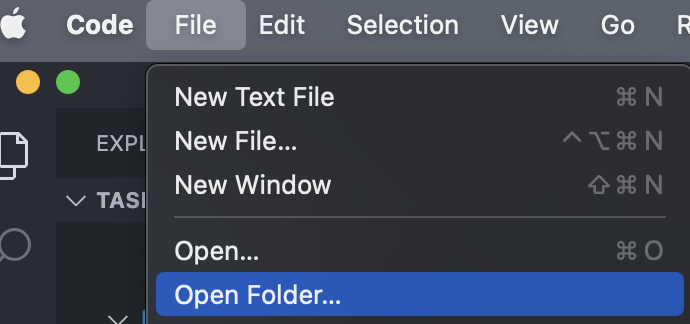
Go to File > Open Folder and find the location where you cloned TASHelix, and open that folder.
When you open the project, some pop-ups may open asking if you’d like to install the project-recommended plugins, make sure to accept these plugins by clicking Install as this will set your editor up with all the required intellisense/linter plugins required for the project.
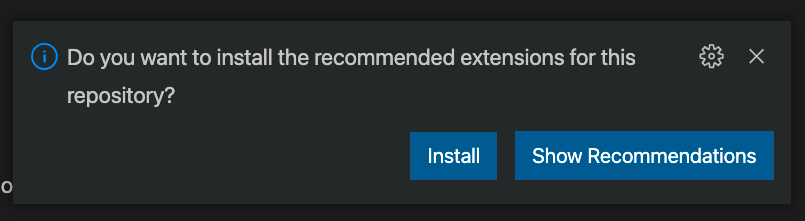
After all these finish installing, please press ‘⌘ + R’ to reload VSCode to get all the extensions functioning.
# Time to Code!
Not quite, but soon! First you must familiarize yourself with the project Conventions, we recommend you read these from the top-down.